When your team repeatedly carries boxes from storage to nearby workstations, a short journey becomes a recurring interruption. Choosing a material handling robot starts with a practical question: will the complete setup fit the cargo, cover the route and leave the receiving team with a straightforward handover?
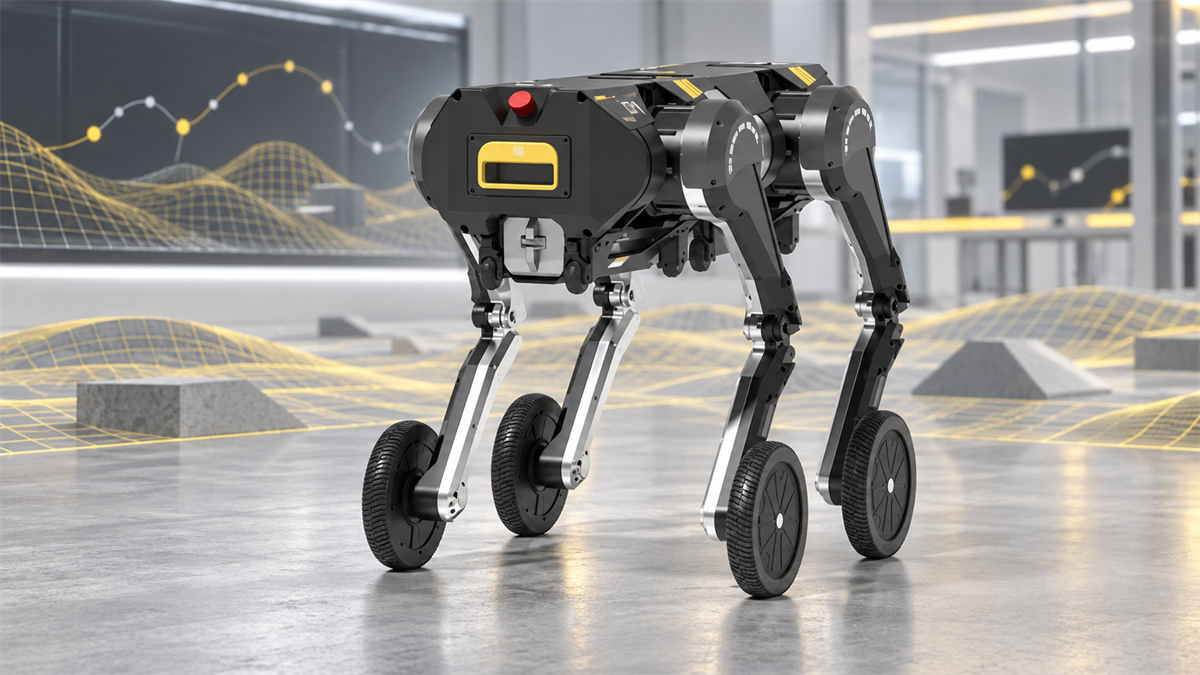
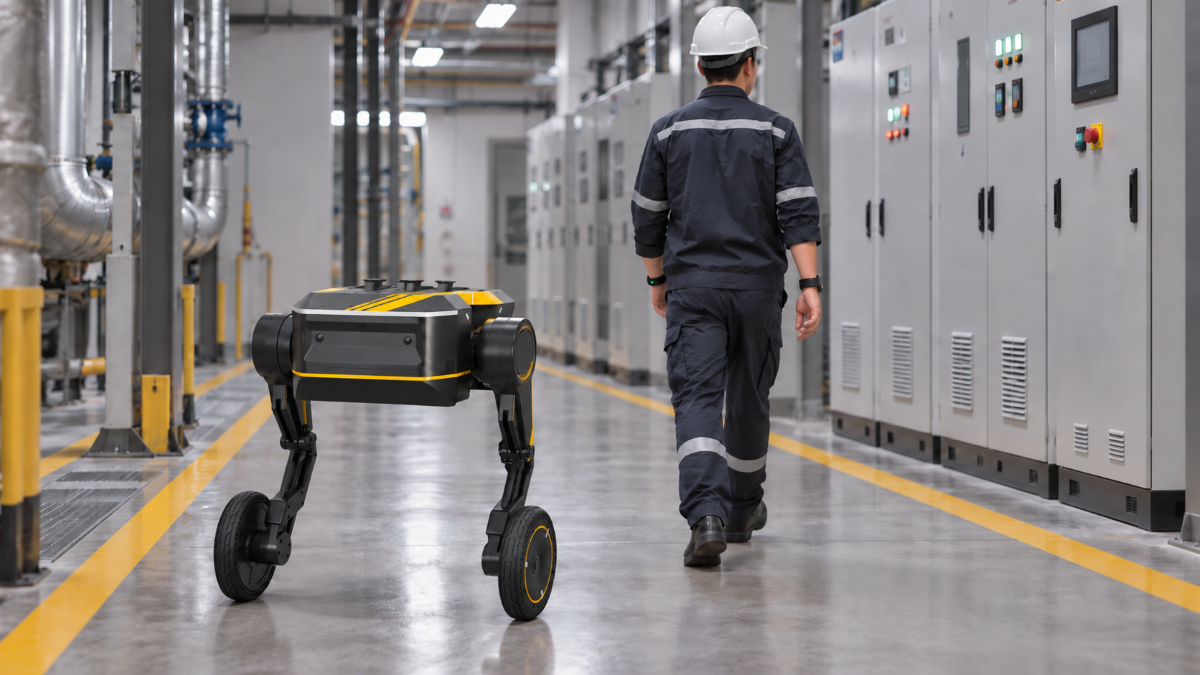
Direct Drive Tech positions D1 with BOX1 for warehousing, logistics and short-distance transport within industrial parks. The D1-SET BOX1 demonstration turns D1’s modular wheeled-leg body into a detachable cargo-carrier configuration.
For buyers planning autonomous transport, we recommend starting with a specific box and an operating sequence. The decisions that matter are the carrying configuration, the route and the work that remains at each endpoint. A successful project should reduce the transport work your team does, without making box preparation or collection more difficult.
Start With the Box and Its Working Load
BOX1 works as part of the complete D1 carrying assembly. The working load includes the packed goods, BOX1 cargo module, mounting hardware and any added equipment. The loaded envelope also includes handles, lids or fittings that extend beyond the box. Dimensions, total mass and center of gravity describe this configuration more accurately than cargo weight alone. When the contents change between trips, the most demanding normal load becomes the reference case.
D1 offers two-wheel-legged and four-wheel-legged configurations, each with its own dimensions and continuous-moving load specification. Because BOX1 transport is a moving task, the continuous-moving values in the published D1 specifications are the relevant starting point:
| D1 platform configuration | Published continuous moving load |
|---|---|
| Two-wheel-legged | > 10 kg |
| Four-wheel-legged | > 30 kg |
The published values describe the D1 platform rather than a net BOX1 cargo rating. BOX1, its mounting hardware and the packed contents operate as one assembly, so the selected D1 configuration must carry their combined load. Box geometry also affects the application: equal-weight boxes can create different clearance and stability requirements when their length, height or internal load distribution changes.
A pilot therefore uses one defined D1 × BOX1 setup: the selected D1 configuration, BOX1 module dimensions, attachment and retention method, packed box envelope and intended operating environment. This keeps the evaluation tied to the assembly intended for daily work rather than a bare platform or demonstration load. The setup remains fixed while evaluating clearance, stability and unloading throughout the route.
Choose the Configuration for the Whole Route
D1’s modularity extends to the robot body itself. Two units can connect to form a four-wheel-legged platform, giving us two-wheel-legged and four-wheel-legged configurations to consider for a cargo project. Each has its own dimensions and moving-load specifications. This makes the platform layout part of the cargo discussion, alongside the BOX1 carrying arrangement, rather than treating every application as a different payload on an unchanged robot.
For a relatively light indoor task, review the smaller configuration first. For a heavier carrying assembly, compare the four-wheel-legged option against its separate load figures. Then measure the full route with the box attached, including corners, doorways and space around the receiving station. Neither “indoor” nor “outdoor” is enough to select the configuration, and the bare robot’s dimensions do not establish clearance for the loaded assembly.
Our D1 controls include flat-ground and stair-climbing modes, so changes in floor level belong in the route assessment. For BOX1 transport, assess the actual transition and loaded posture rather than relying on the platform’s maximum obstacle figure. Record ramps, thresholds, surface changes and outdoor exposure. When two paths reach the same destination, pilot the simplest repeatable route first.
How D1-SET BOX1 Handles the Cargo Task
D1-SET BOX1 uses a detachable cargo module rather than treating the box as a permanent part of the robot. In the BOX1 demonstration, D1 engages and releases the carrier autonomously, and additional boxes can be arranged along the body to expand cargo space. These are demonstrated configuration functions; the public English product pages do not publish a BOX1 module size, rated net cargo load or attachment cycle time.
The demonstrated setup also combines UWB and a depth camera for person-following transport and shows a loaded BOX1 moving between indoor and outdoor areas, through an elevator and over steps. Person following is one operating mode, not evidence of full point-to-point autonomous navigation. For route control beyond that mode, the ROS 2 SDK provides the integration interface; application teams must still define task starts, stop positions, access control and blocked-route recovery.
The robot-carrier interface and the contents inside the box are separate parts of the workflow. BOX1 engagement or release does not mean that D1 packs or empties the container. Staff can prepare the load before departure and retrieve it at the destination. The receiving sequence should then specify whether D1 leaves the carrier, waits with it, starts a return trip or moves to charging.
Where This Material Handling Robot Fits Short-Distance Box Transport
Between indoor workstations. A recurring movement of boxed parts between two production areas is a focused candidate for an initial assessment. Match delivery frequency to when the receiving team actually needs the parts. Agree on a pickup schedule and a receiving location before evaluating travel speed. Avoid replacing a short walk with repeated waiting beside the robot.
From storage to a nearby workshop. Consider a box of consumables or maintenance supplies that follows the same path several times a day. Define a pickup location where staff can prepare the next load without blocking the current collection. For a route through a covered passage, document its ramps, doors and changes in floor surface.
Between buildings in an industrial park. Tools or boxed components offer a focused task to assess without expanding into general delivery services. Bring us the actual connecting path, including exposed stretches and access-controlled entrances. Include the return task in the brief, especially when empty boxes must go back to storage.
Judge the Pilot by Completed Cargo Jobs
Move to a pilot only when five points are clear: the complete assembly has a confirmed working cargo limit; the loaded envelope clears the route and receiving point; loading, unloading and handover responsibilities are assigned; dispatch and recovery procedures are defined; and charging fits the operating window. Before testing, agree on success measures under normal activity, covering cargo condition, completed jobs, full-cycle time and unplanned interventions.
Measure the full cycle: preparation, loading, travel, waiting, unloading and return. Compare the staff time involved with the current manual process. A fast journey is not a useful improvement when the operator spends longer preparing the load or waiting for collection. Time both endpoints, not just the distance between them. Run enough repetitions to see what happens during normal activity, including times when the receiving team has other work.
Build battery use into the same record. Our ROS 2 SDK exposes battery-status topics that application teams can use for monitoring. Track it alongside loaded trips and waiting time rather than estimating BOX1 endurance from a platform range figure. Before extending the task to another route, review any changes in cargo, surface conditions or handover arrangements. Set the required operating window, including available charging breaks. The useful result is the number of complete jobs finished in that window with the intended level of staff support.
Frequently Asked Questions
Can we keep our existing cargo boxes?
We recommend assessing the existing box before redesigning your material flow. Its lid, handles and attachment arrangement need to work with the selected BOX1 setup. Matching the weight alone does not establish compatibility; the contents must also remain accessible at both endpoints.
Does the project need a robotic arm?
Scope an arm separately when the task includes robotic picking or placing. For a transport-focused pilot, operator loading and receiving keep attention on moving the box. Decide on the transport task first, then specify any automated loading or unloading as additional work.
What can our integration team use to get started?
Our D1 Tutorials bring together unboxing and operating videos, the user manual and development documentation. Review these alongside the proposed cargo configuration so your team can identify the hardware and application-development work needed for the project.
Bring Us the Cargo Task
A useful material handling robot project with D1 × BOX1 starts with the box you need to move and the manual transport work you want to remove. Contact our robot team with the packed box’s dimensions and weight, load-position photos, route details, transport frequency, planned shift length and receiving process. Include the narrowest passage, largest threshold or ramp, and any required software connections. We can then discuss the configuration and pilot scope around your actual cargo task.